Getting started
This is a brief guide on how to run your first program on A-Core.
Set up your environment by installing tools locally, using ECD cluster machine, or using the A-Core docker image.
Run the following:
./init_submodules.sh
./configure
./pip3userinstall.sh
./init_submodules.shinitializes all submodules. It also compiles all Chisel modules, so it takes a while to execute../configredefines global environmental variables that are used by TheSyDeKick scripts and exports them toTheSDK.config./pip3userinstall.shinstalls pip programs that are required by A-Core environment. It also compiles a C-accelerated Python package, jtag_kernel.
Note
Set PIPUSEROPT="" in the configure file if you are using a virtual environment. By default, it is set as “user”, so the script installs the pip packages into user install directory with pip install --user. This will throw an error if using a virtual environment.
Navigate to
Entities/acoretestsRun
make
This step should run a simulation which runs an assembly program that tests RISC-V M-extension related instructions on A-Core. If no errors are thrown, a GTKWave window, with multiple waveforms visible, should open. Additionally, you should see several OK prints on the terminal. You can close GTKWave to finish the simulation.

Screenshot of GTKWave
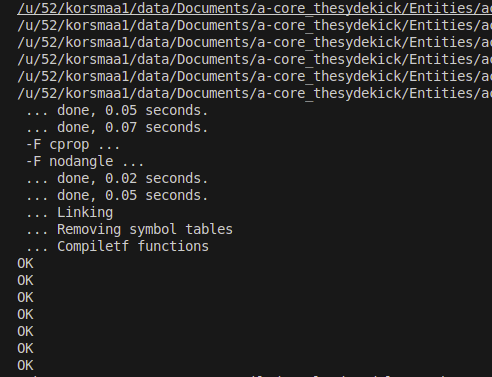
Screenshot of terminal showing OK’s